




Blog • Jun 25, 2026

St. Patrick’s Day is more than shamrocks, green outfits, and parades—it’s a moment to celebrate friendship, fun, and all the little bits of luck that brighten our lives. Whether you’re Irish by blood or simply Irish at heart, March 17 offers the perfect excuse to surprise someone with a cheerful message much like the Irish jig. And what better way to share the spirit than with a festive digital greeting? With CardSnacks, sending a little St. Paddy’s Day magic is simple, personal, and—dare we say—lucky.
Even though it’s not a traditional “card holiday,” St. Patrick’s Day is the perfect opportunity to make someone smile with the perfect Irish greeting. A quick note can:

Boost a friend’s mood with some Irish Humor
1. Spark laughter
2. Share a wish for good fortune
3. Reconnect with someone you miss
It’s a small gesture that carries a lot of heart.
St. Patrick’s Day Cards—Made Easy and Fun
CardSnacks offers a collection of St. Patrick’s Day e-cards full of bright greens, rainbows, four-leaf clovers, and playful “lucky” themes. You can customize your message, add GIFs, attach a gift card, and send it instantly—no envelope licking required.
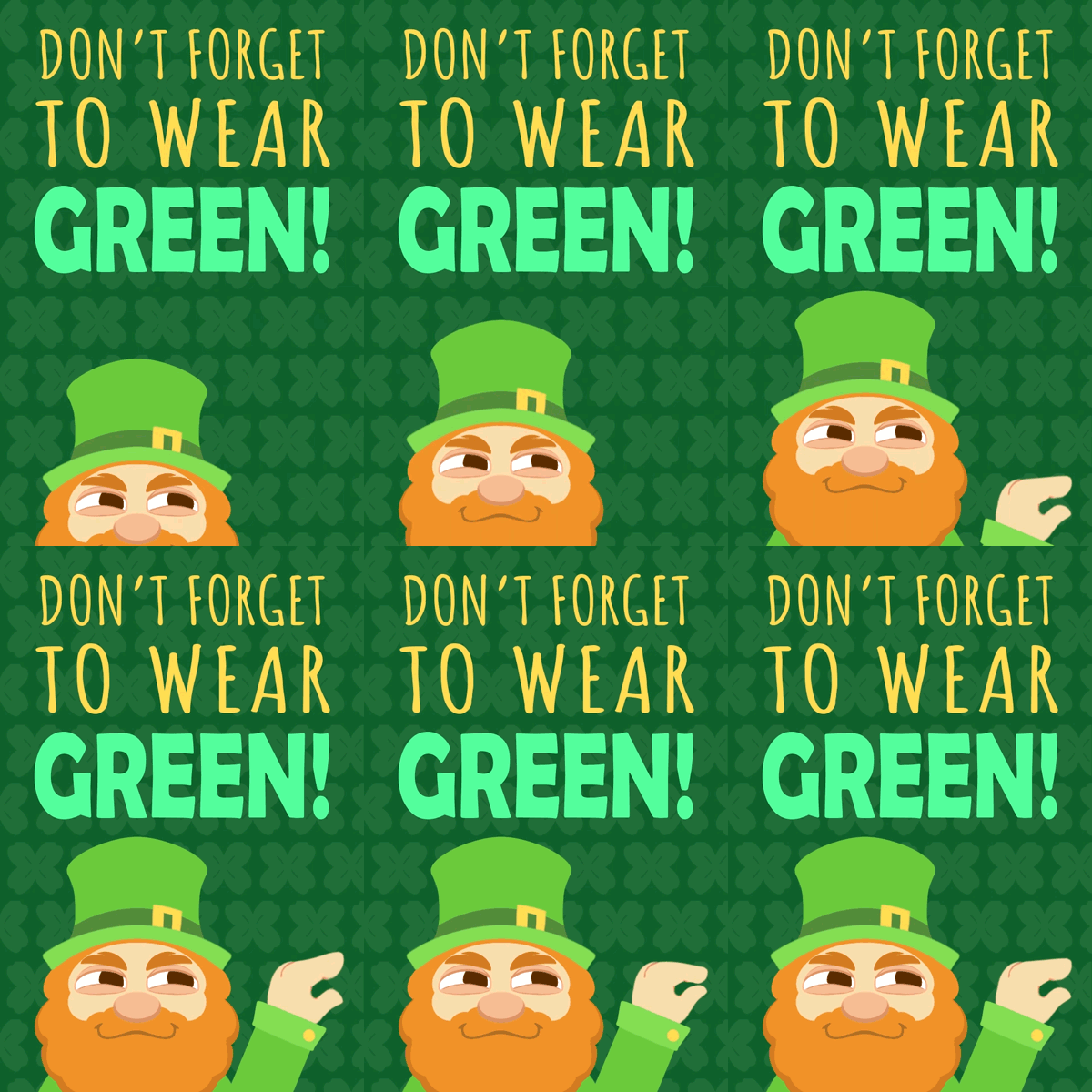
Whether you want something funny (“Don’t get too green today!”), heartfelt (“Wishing you the luck of the Irish”), or flirty (“I must’ve found my four-leaf clover when I met you”), we’ve got you covered.
How to Send a St. Patrick’s Day Card with CardSnacks ☘️
Sending a card is quick, easy, and only takes a minute. Here’s how:
1. Download the CardSnacks App or Visit the Website
Available on iOS, Android, or directly in your browser—choose whatever works best for you.
2. Choose a St. Patrick’s Day Card
Browse festive designs featuring shamrocks, rainbows, dancing leprechauns, and more. Pick the card that fits your style or the recipient’s personality.
3. Add a Personal Message & Customize It
Add your own text and change the font and font color! For more features like adding emojis, GIFs, photos of green beer, or even video clips download the app! You can keep it funny, sweet, or heartfelt.
4. Add a Gift Card (Optional)
Make your message extra special with a digital gift card from hundreds of popular brands—coffee shops, restaurants, clothing stores, and more to spread the good cheer.
5. Send Instantly or Schedule for Later
Deliver your card via text messaging or email right away, or schedule it to arrive exactly on St. Patrick’s Day.
And that’s it! A little luck and a lot of joy delivered in just a few taps.
Stuck on what to say? Try one of these or an Irish quote:
Classic & Cheerful
“Wishing you a St. Patrick’s Day filled with luck, laughter, and a touch of magic!”
Sweet & Heartfelt
“May your day be overflowing with good fortune and happy moments.”
Funny
“Hope your St. Patrick’s Day is as joyful as finding the last slice of pizza… and maybe slightly more Irish.”
For Friends
"So lucky to have you in my life. Happy St. Patrick’s Day!”
For Someone Special
“Sending you a little luck and a lot of love this St. Paddy’s Day.”
Add a Lucky Gift Card
Want to make your greeting even more magical? CardSnacks allows you to include digital gift cards from top brands. It’s a thoughtful (and instant!) way to treat someone to:
1. A coffee
2. A meal
3. A night out
4. A fun shopping spree
It’s like sending a mini pot of gold—right to their phone.
Celebrate with a Smile
Whether you're sending a message across town or across the country, CardSnacks makes it easy to brighten someone’s St. Patrick’s Day. A simple note of kindness can be the luck someone needs. So slip on your green, tap into the holiday cheer, and send a little luck today. ☘️✨
Happy St. Patrick’s Day from CardSnacks!
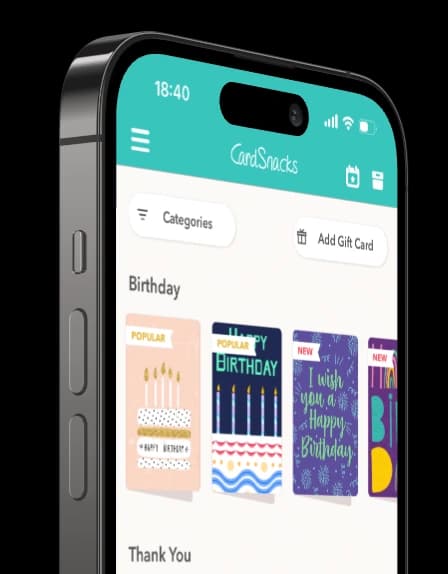
Download our app and receive notifications for key holidays like St Patricks Day.



.webp&w=3840&q=75)