Hollister Gift Card

Limits between $5-500
Terms and conditionsHollister believes in liberating the spirit of an endless Summer inside everyone. To us, Summer isn’t just a season…it’s a state of mind. We believe Summer’s freedoms and possibilities shouldn’t just exist from June to August. They should be endless. Give your friends and family the gift of effortless, authentic California style to live in every day. Think Jeans, Sweaters, Shorts, Tanks, Tees, Sweatshirts, Hoodies, Leggings, Swim, Shoes, Jackets and more. Hollister E-Gift Cards can be redeemed in stores and online.
Why Send a Hollister Gift Card with CardSnacks?
Unlike a standard digital gift card, CardSnacks turns your gift into an experience.
- Instant delivery by text or email
- Personalize with heartfelt (or funny!) message
- No shipping needed — delivered digitally in minutes
Related For Him Gift Cards
Looking for something similar? Explore other popular for him gift cards:









How It Works
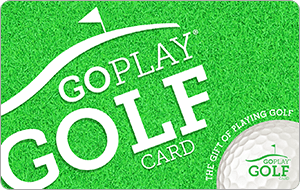
Select your gift card and set the amount.
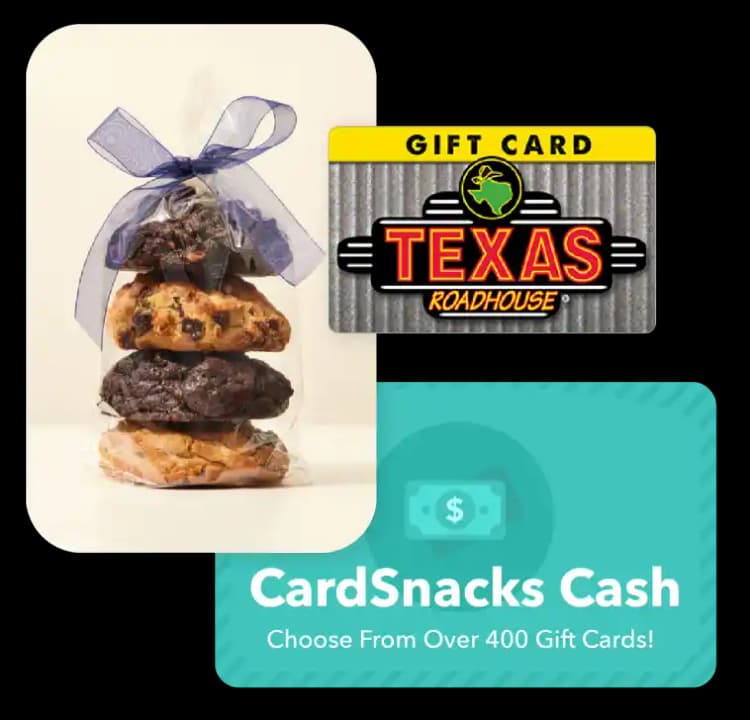
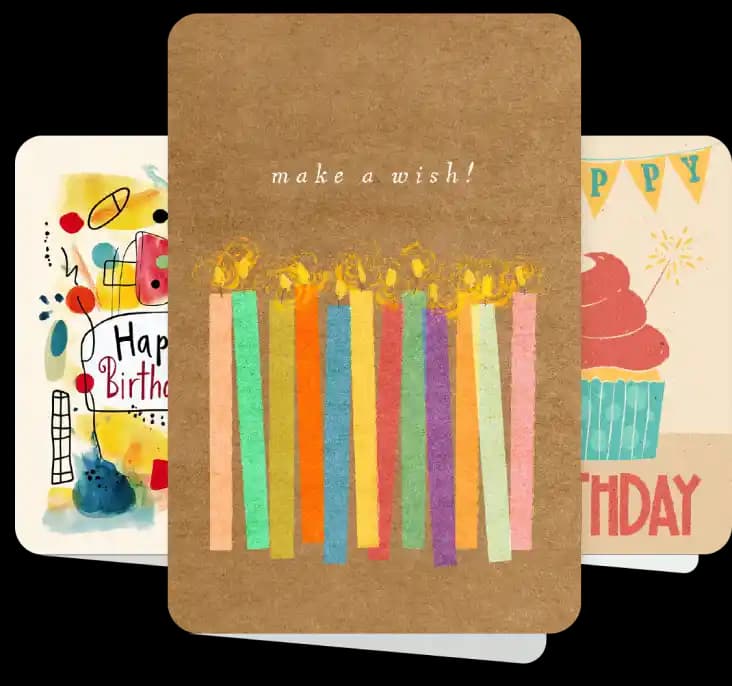
Choose from 1000s of ecard designs to make your gift card extra special.
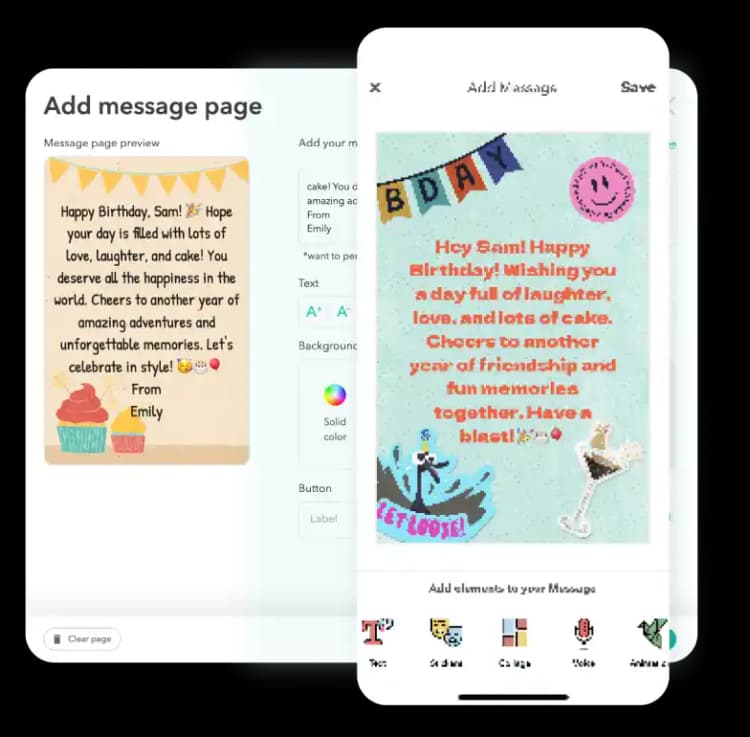
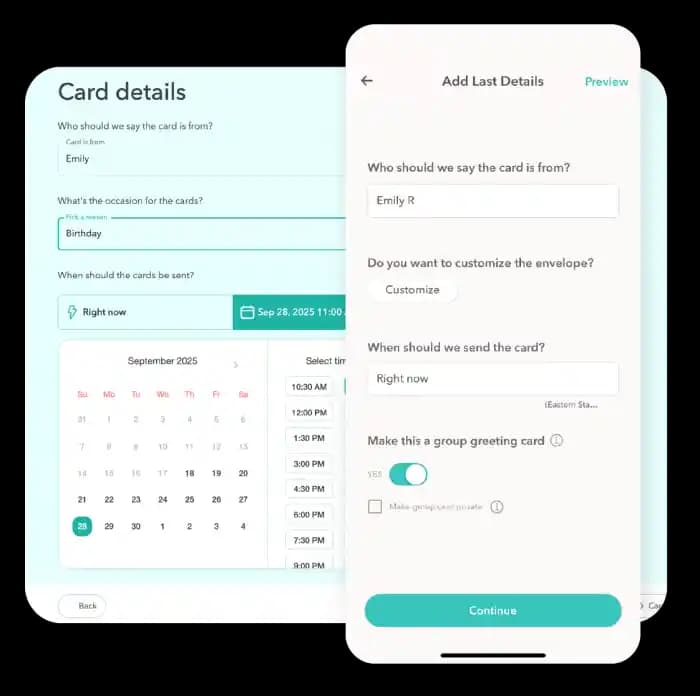
Personalize your card with a heartfelt message, stickers, gifs, & more.
Schedule your card to be sent instantly or for a future date via email or text message
Hollister Digital Gift Card FAQs
Yes, you can change the delivery date for your Hollister after you have it scheduled. You can update this by clicking the 3 dots next to the recipient's name and then hit "Edit Schedule Date."
Yes! Every gift card sent through CardSnacks is paired with a personalized eCard, so you can include your own message to make it more meaningful.
Definitely. If your recipient didn't receive or open the ecard with the gift card attached, you can easily resend it from your CardSnacks account—either to the same number/email or a different one.
Yes, you can preview exactly how the eCard and gift card will appear to the recipient before sending it.
You'll be notified as soon as your card (and gift card, if included) is opened. If you have notifications enabled, you'll receive an alert on your phone. You can also check the status anytime in your Shoebox or "Your Cards" section, where opened cards are clearly marked.